Overview
| Feature |
Description / Likely Value |
| Processor |
Intel Core i3 (12th Gen is among the options in the 290 G9 line) |
| Chipset |
Intel H670 chipset |
| Memory (RAM) |
8 GB DDR4 (single module, likely in one of two DIMM slots) — can be upgraded later |
| Storage |
512 HDD (7200 rpm, likely SATA) as primary storage |
| Graphics |
Integrated graphics (Intel UHD) — no dedicated GPU included by default |
| Expansion & Slots |
Two internal bays, PCIe ×16 and PCIe ×1 slots, M.2 slots for SSD / WiFi upgrade |
| Ports & Connectivity |
VGA + HDMI for display output, multiple USB ports (front and back), RJ-45 Ethernet, audio in/out, possibly WiFi or optional wireless card |
| Security / Management |
Features like TPM, drive lock, cable lock slot, and intrusion detection in some SKUs |
| Operating System |
Could ship with Windows 11 (Home / Pro) or FreeDOS depending on configuration |
Strengths / Limitations:
- With only 8 GB RAM, multitasking and modern applications will be limited; upgrading to 8–16 GB is strongly recommended.
- A 512 HDD provides good storage capacity, but will be slower than SSD. Adding an SSD would improve boot / load times.
- Integrated graphics can handle everyday tasks (web, office, video), but is not suitable for heavier gaming or graphic design work.
- The tower case offers room for upgrades (RAM, SSD, discrete GPU) down the line.
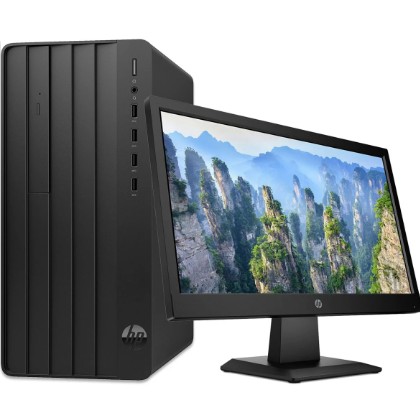
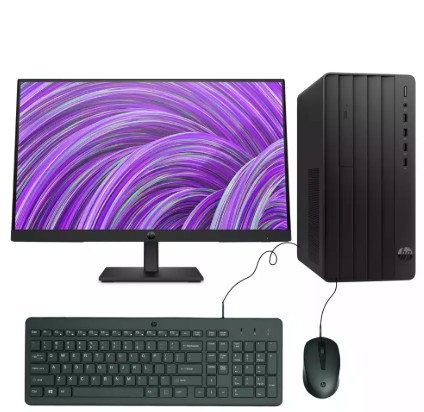
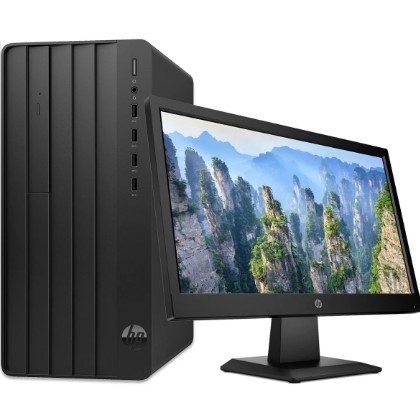
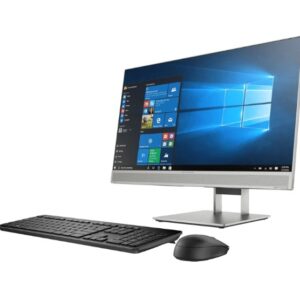
Display: 24-inch Screen
The 24-inch monitor is an external display attached to the system. Key expectations for a 24″ screen include:
- Resolution: Likely Full HD (1920×1080), though some models support higher (e.g. 1080p, possibly up to 2K depending on model)
- Panel Type: Could be IPS / VA / TN depending on quality (IPS is preferred for wider viewing angles and better color)
- Ports: HDMI, VGA, DisplayPort (depending on model) — matches what the desktop offers (HDMI + VGA) for connectivity
- Refresh Rate: Typically 60 Hz for general use; gaming monitors may offer higher
- Ergonomics: Tilt adjustment, possibly height adjustment or VESA mount support (model-dependent)
Combined Use & Suitability
With the described specification (i3 + 8 GB RAM + 512SSD + integrated graphics + 24″ display), this setup is most suited for:
- General office / productivity tasks (Word, Excel, web browsing, email)
- Light media consumption (videos, streaming)
- Basic programming, light IDEs, or entry-level development
- Everyday home / school use
It may struggle with:
- Heavy multitasking (many browser tabs, large spreadsheets, virtual machines)
- Graphic-intensive applications (3D rendering, modern games)
- Video editing or work with large media files (unless upgraded)

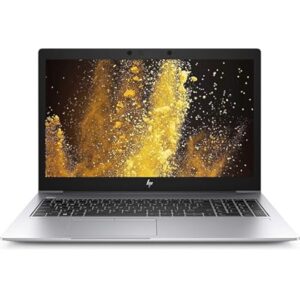 HP EliteBook 850 G6 Core i5, 8GB RAM, 256GB SSD
1 × KSh 25,000.00
HP EliteBook 850 G6 Core i5, 8GB RAM, 256GB SSD
1 × KSh 25,000.00 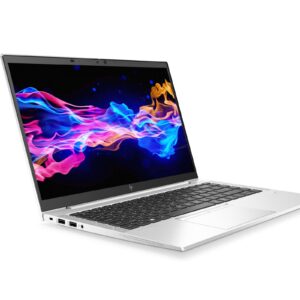 HP EliteBook 845 G7 Ryzen 5, 16GB RAM, 256GB SSD
1 × KSh 28,500.00
HP EliteBook 845 G7 Ryzen 5, 16GB RAM, 256GB SSD
1 × KSh 28,500.00 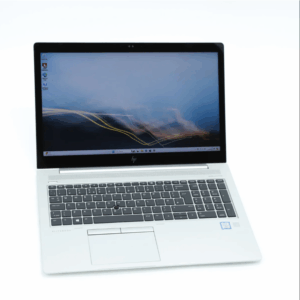 HP EliteBook 850 G5 Core i5, 8GB RAM, 256GB SSD Touchscreen
1 × KSh 28,000.00
HP EliteBook 850 G5 Core i5, 8GB RAM, 256GB SSD Touchscreen
1 × KSh 28,000.00 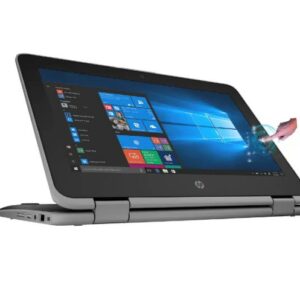 HP Probook 11 G6 COI5 X360 Touch Screen
1 × KSh 21,999.00
HP Probook 11 G6 COI5 X360 Touch Screen
1 × KSh 21,999.00 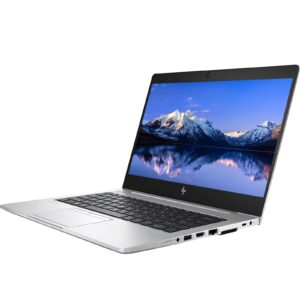 HP EliteBook 830 G6 Core i5, 16GB RAM, 256GB SSD
1 × KSh 28,500.00
HP EliteBook 830 G6 Core i5, 16GB RAM, 256GB SSD
1 × KSh 28,500.00 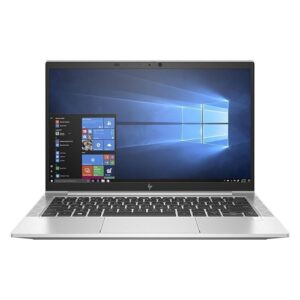 HP EliteBook 830 G7 Core i5, 8GB RAM, 256GB SSD
1 × KSh 31,500.00
HP EliteBook 830 G7 Core i5, 8GB RAM, 256GB SSD
1 × KSh 31,500.00 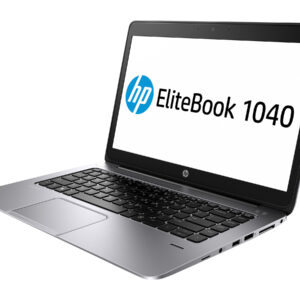 HP EliteBook Folio G1 Intel Core i5, 8GB RAM, 256GB SSD
1 × KSh 23,500.00
HP EliteBook Folio G1 Intel Core i5, 8GB RAM, 256GB SSD
1 × KSh 23,500.00 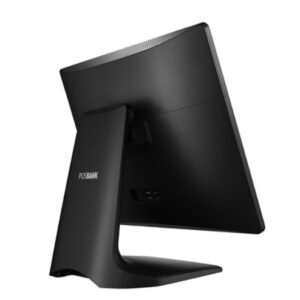 APEXA G POSBANK All in One Touch POS Machine Corei3 | 8GB RAM | 128GB
1 × KSh 106,000.00
APEXA G POSBANK All in One Touch POS Machine Corei3 | 8GB RAM | 128GB
1 × KSh 106,000.00 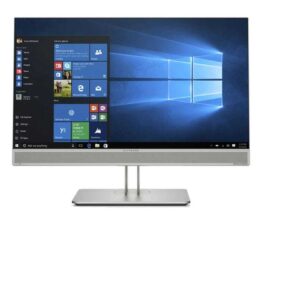 HP Desktop All in one 800 G3 7th gen corei5 8gb 512ssd AIO
1 × KSh 48,999.00
HP Desktop All in one 800 G3 7th gen corei5 8gb 512ssd AIO
1 × KSh 48,999.00 
There are no reviews yet.